
GIG AI Image Generator – Create Anime Art and Other Artistic Styles
Transform your ideas into beautiful artwork with GIG, an independent AI image generator. Create anime-style scenes, memes, comics, and more in a range of styles. Turn simple text prompts into images.
AI Image Generator Tool
Create stunning AI-generated images with our advanced text-to-image generator. Generate high-quality images from text descriptions using state-of-the-art AI models.
AI Image Generator

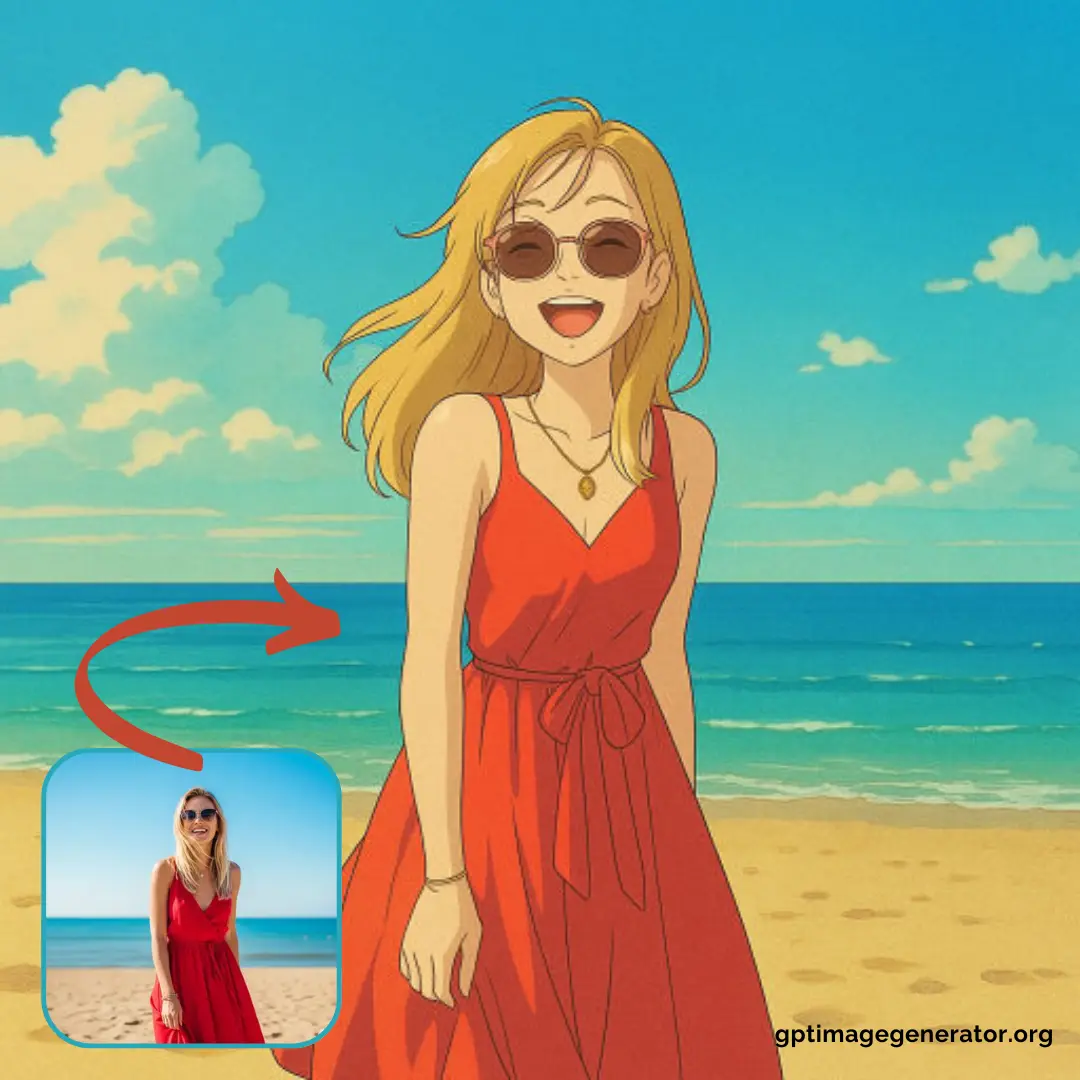
AI Image Generator
Text-to-Image
Transform your written descriptions into stunning visuals with our AI's advanced understanding of language and artistic concepts.
Try it now →Why Choose Our Free AI Image Generator?
Stunning Results
Create breathtaking images from your ideas in a range of artistic styles.
Versatile Capabilities
Generate images in multiple styles, add text to your designs, and use image-to-image editing to refine your creations.
Beginner-Friendly
No need for complex prompts or technical knowledge—just describe what you want in simple language and let our AI image generator help bring your vision to life.
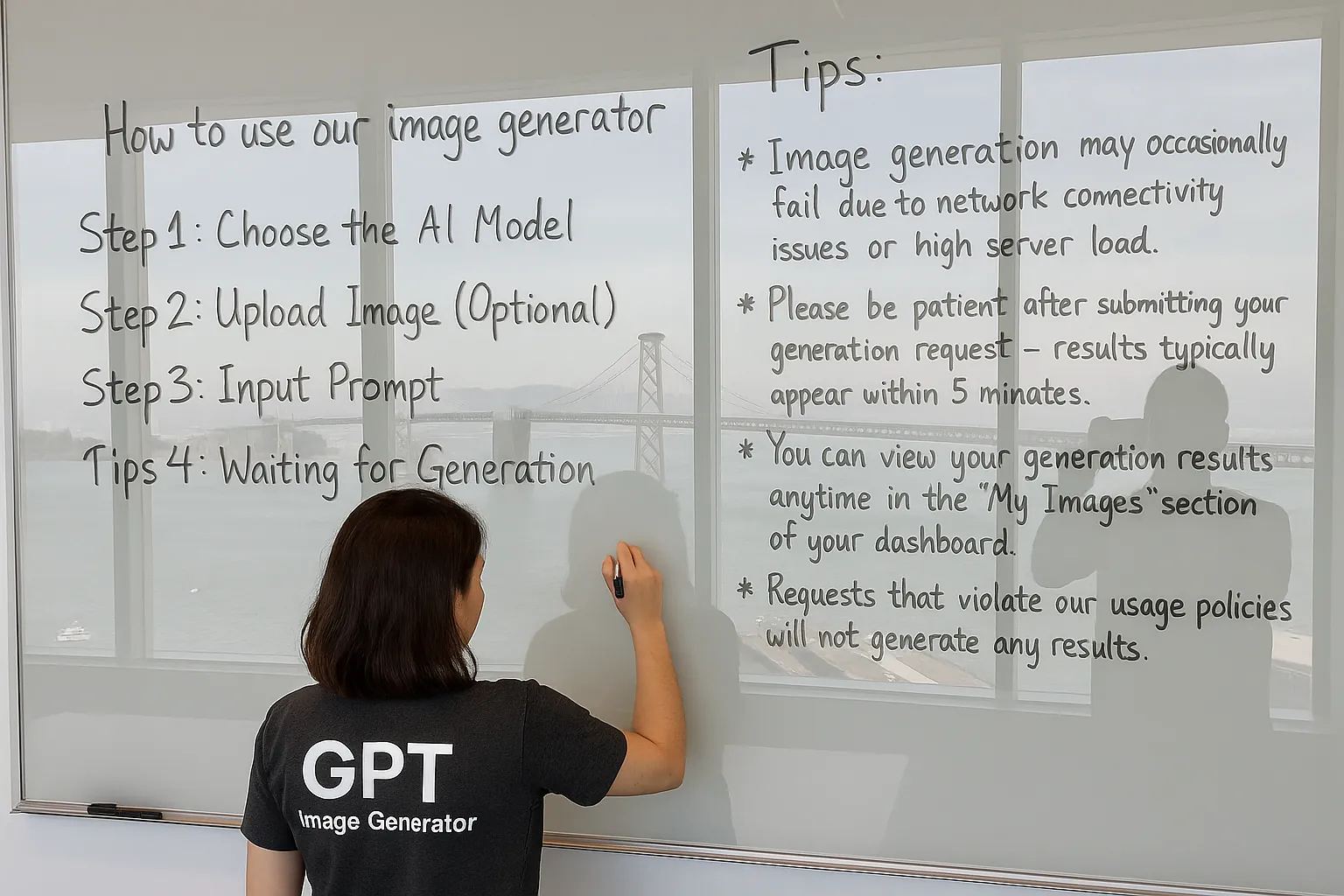
How to Generate Images in 4 Simple Steps
Create stunning AI-generated images quickly and easily with our user-friendly interface
GIG Image Gallery
Get inspired by these examples created with our image generator
Popular
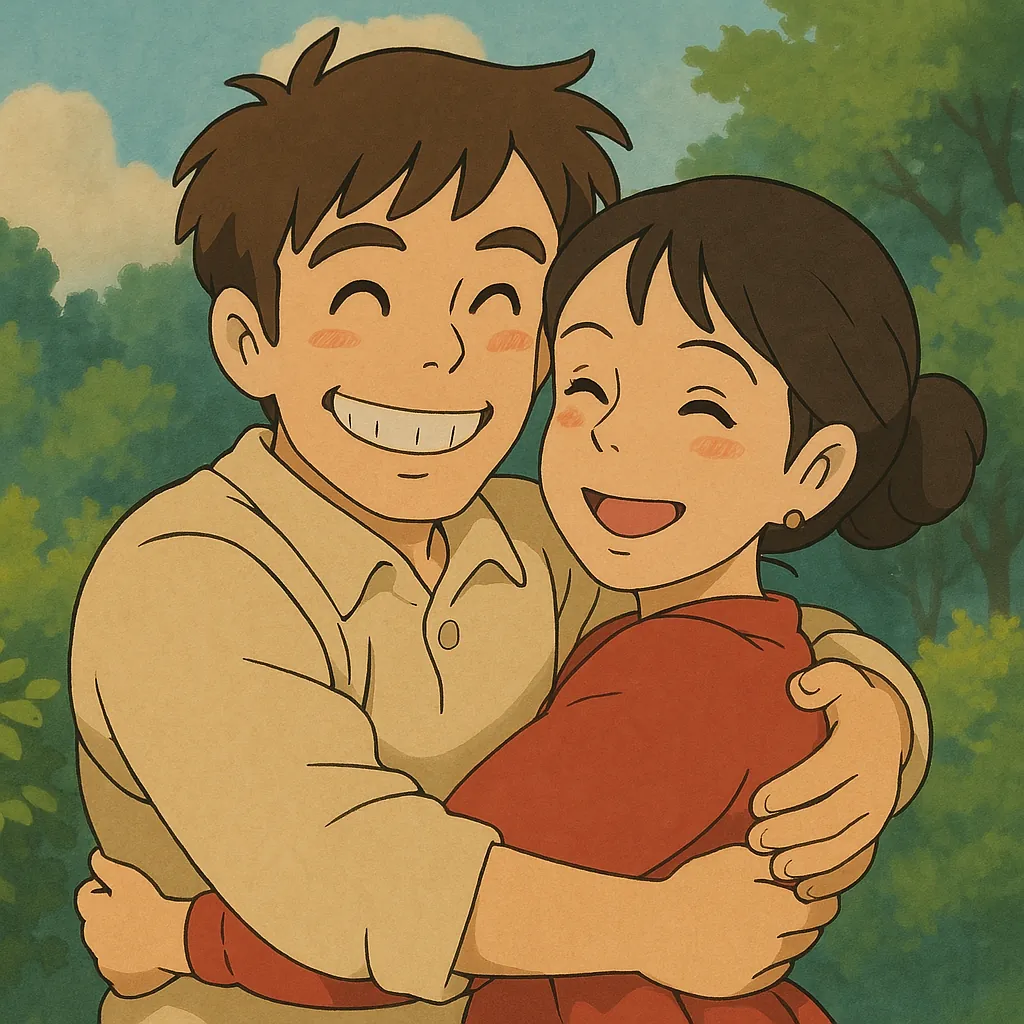
Anime Character Design
Generate anime character design
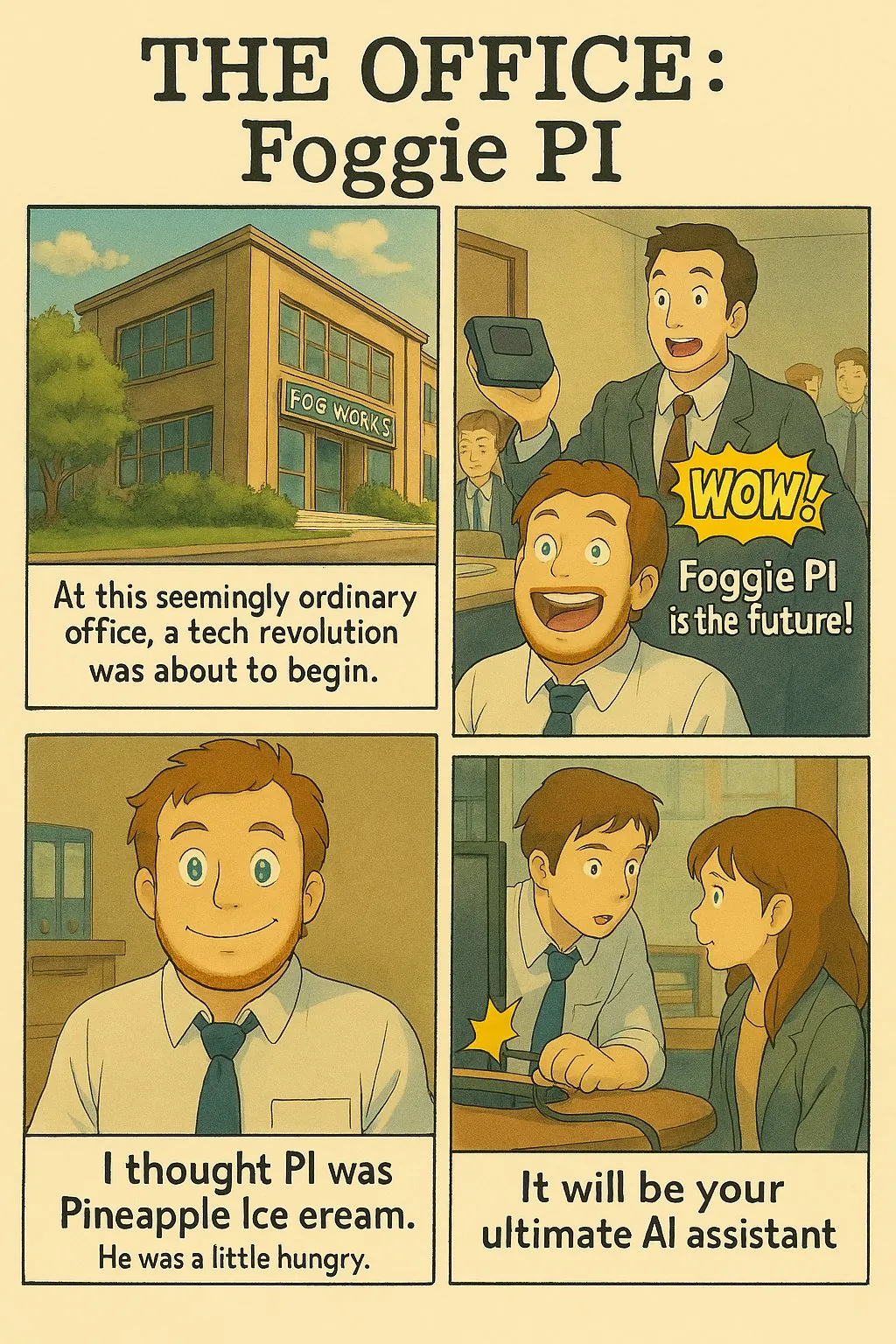
Comic Book
Create vibrant comic book art with text
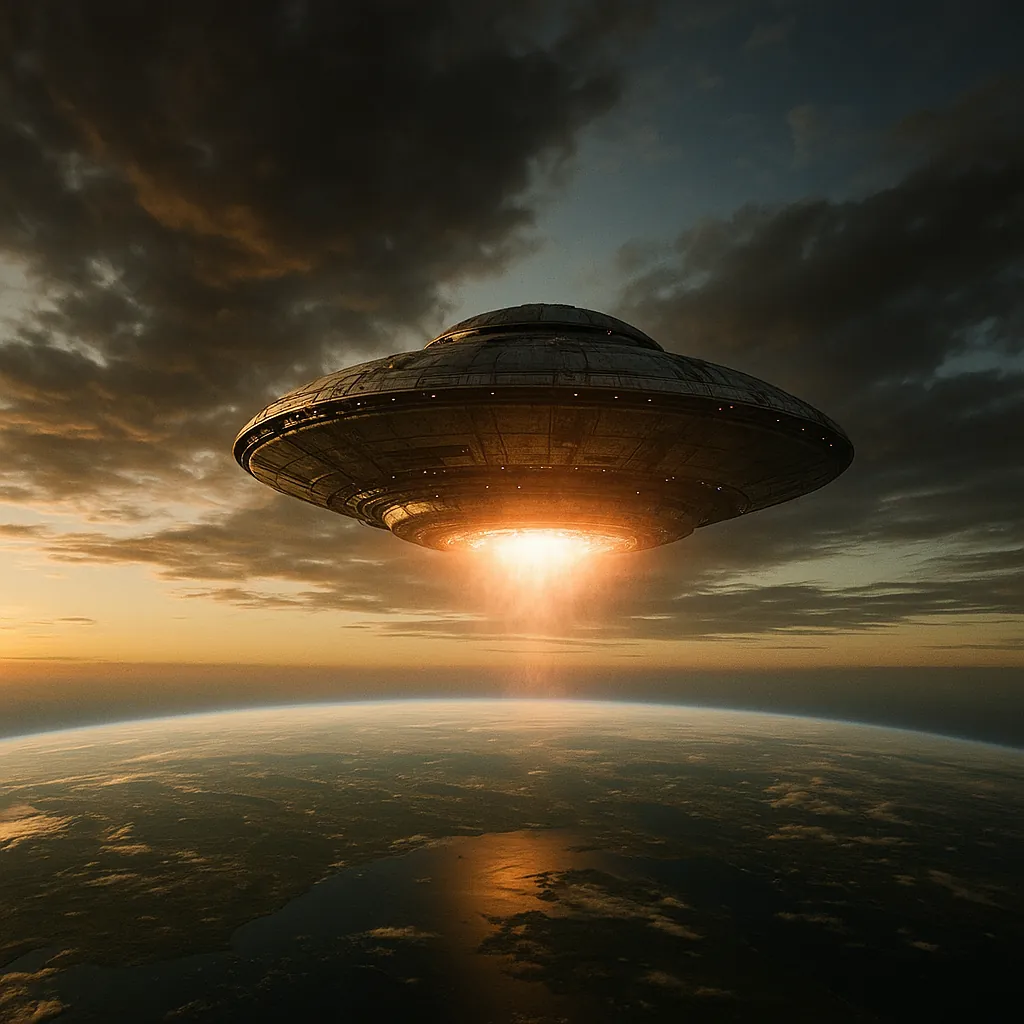
Fantasy Style
Fantasy imagery with stunning detail
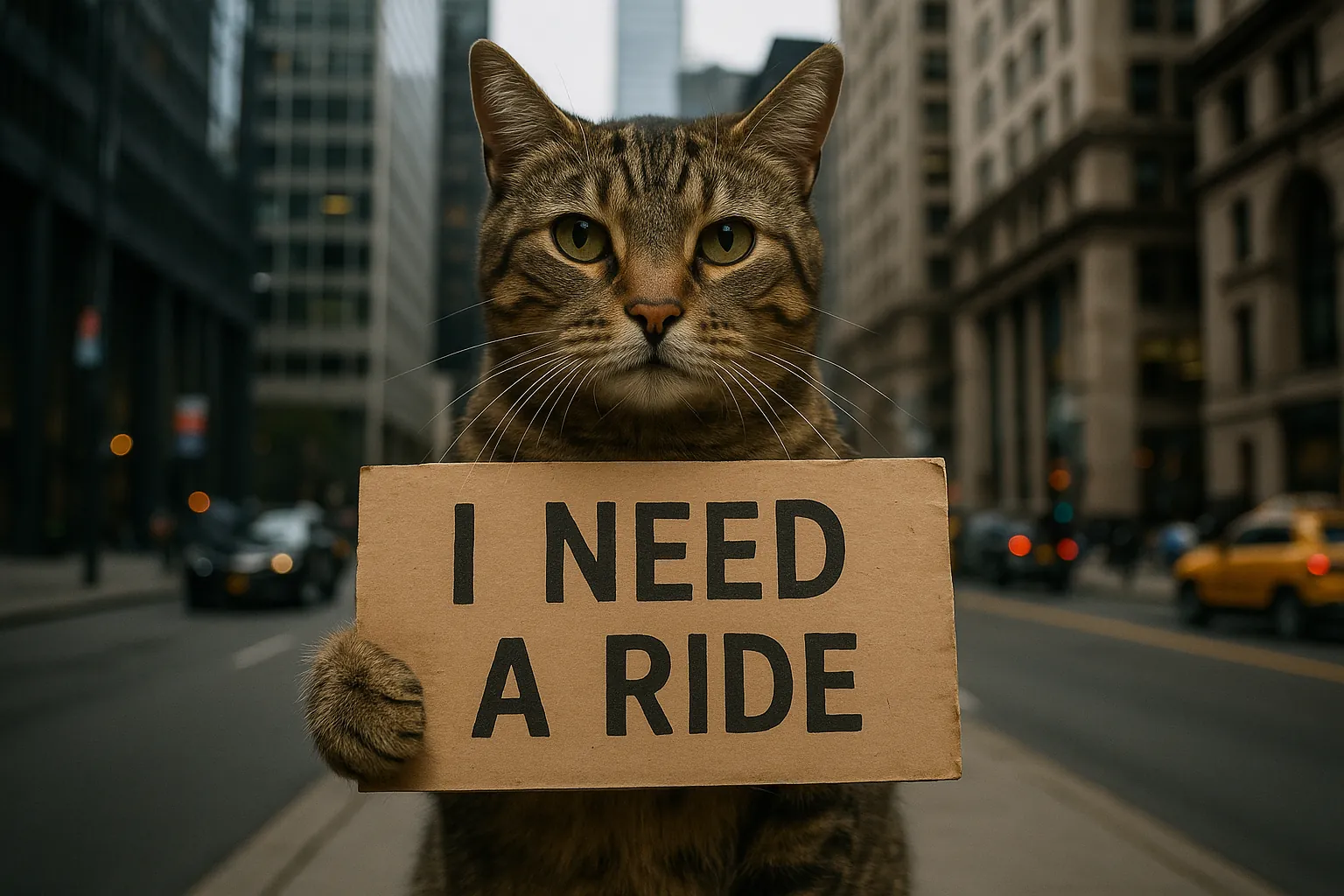
Meme Template
Fun and shareable meme templates
Creative
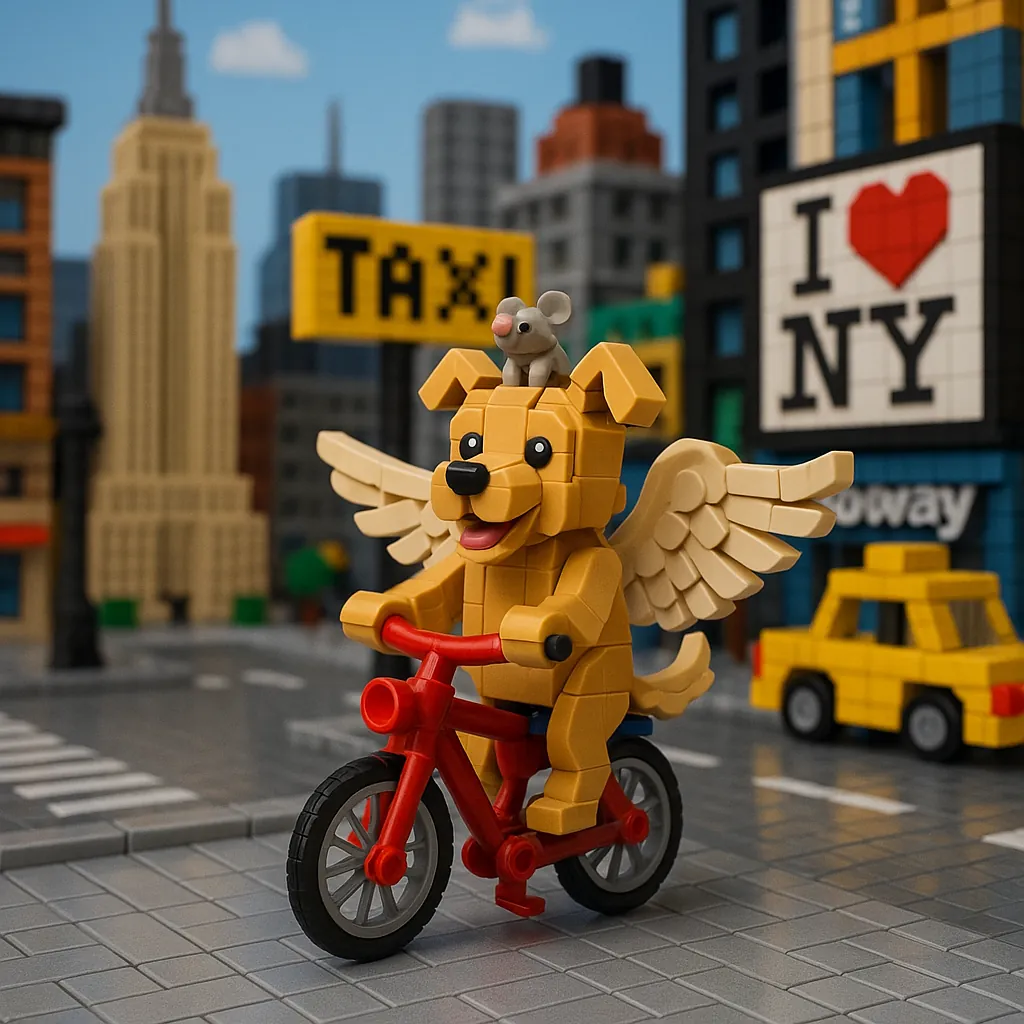
Building Block Style
Creative block-style constructions
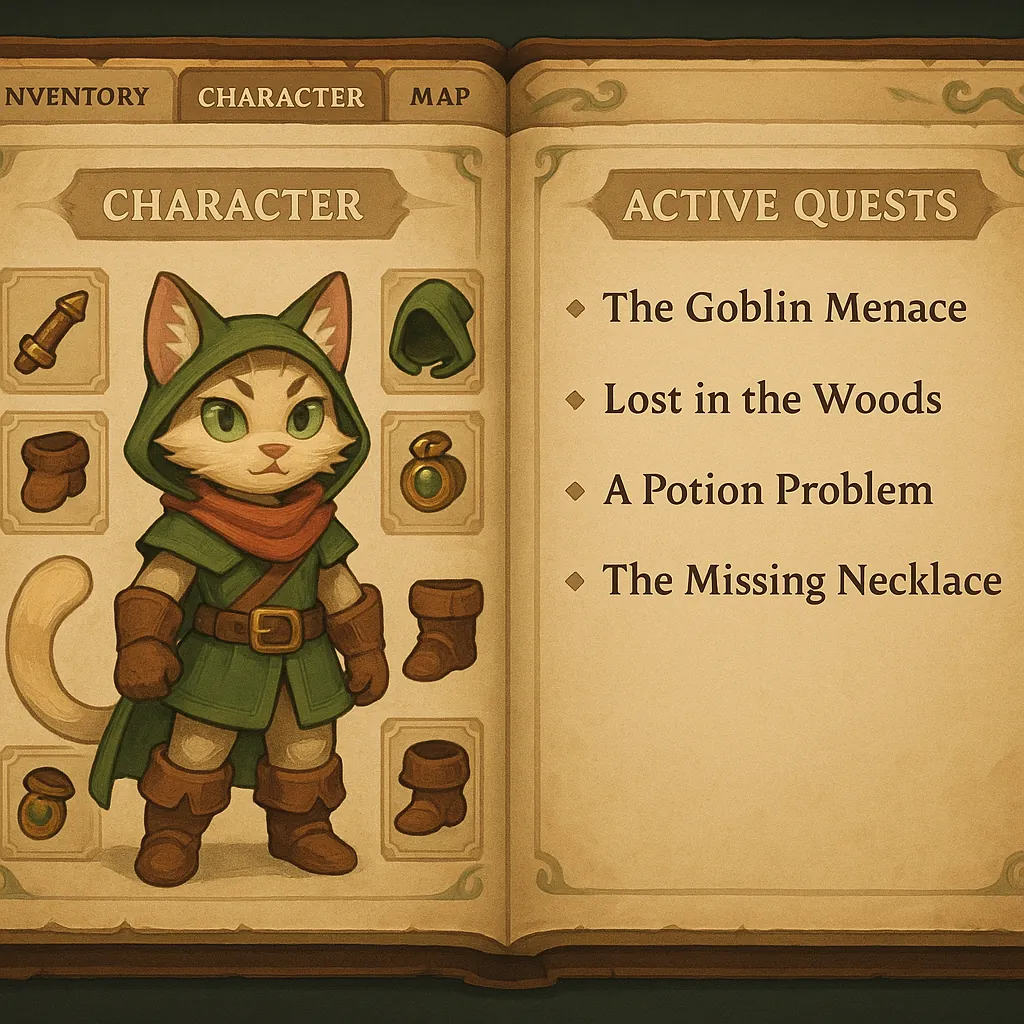
Game Design
Game character design
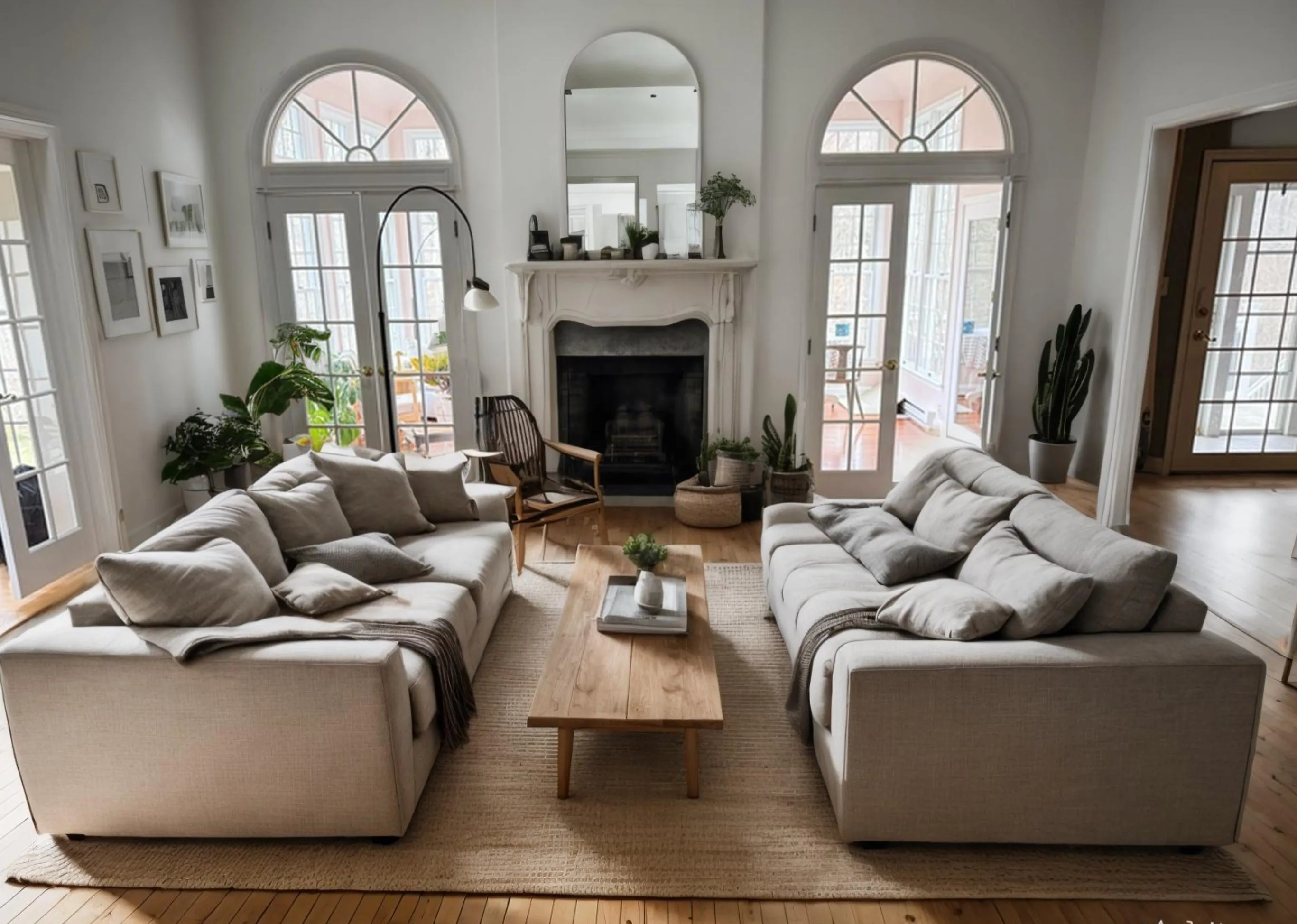
UI Design
Generate mockups and interface designs
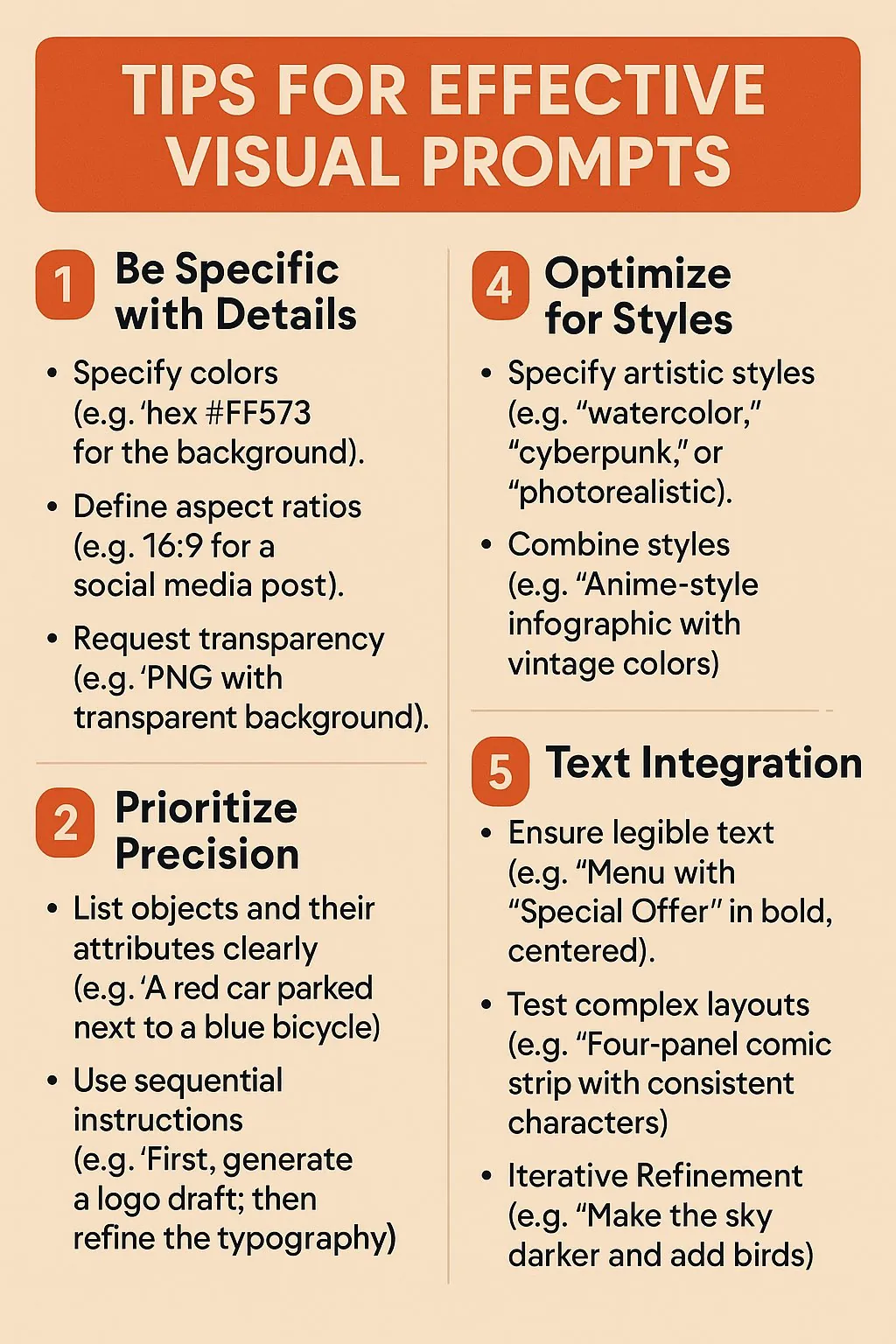
Advertisement
Create eye-catching marketing materials
Frequently Asked Questions
Learn about GIG's AI image generation features and how to use them
How do I create Japanese classic anime-style images?
You can describe styles like 'Japanese classic anime style', 'traditional animation style', or 'hand-drawn animation style' in your prompts. For better results, we recommend uploading a reference image so the AI can more accurately understand the specific style characteristics you're looking for.
Can I try the image generator for free?
New users receive 10 free credits to try image generation with GIG.
What styles are available for image generation?
Our versatile generator supports numerous styles including building block style, comic book, anime, oil painting, watercolor, artistic illustrations, cartoon style, and many more. You can create everything from marketing posters to fantasy landscapes.
How artistic can the generated images be?
Our AI image generator can create detailed artistic images. Results depend on your prompt, selected model, and style.
How is GIG different from other AI tools?
GIG brings text-to-image generation, image-to-image editing, and style selection into one interface. Available features vary by model.
Can I create multi-panel comics with text using the generator?
You can describe a comic idea, specify the number of panels, and include dialogue in your prompt. Review the generated text and character details, as results may vary.
How accurate is text rendering in the generated images?
You can request text in your images for comics, captions, and marketing materials. Text accuracy varies by model and prompt, so review the result before use.
What AI models do you support?
Available models and supported features are shown in the model selector. Options may vary by model and provider.
What should I do if image generation fails?
If image generation fails, try again or select another available model. If the problem continues, contact GIG support with your task ID.
What resolution and quality can I expect from generated images?
Image resolution and quality depend on the selected model and settings. Check the available options in the generator before creating your image.